

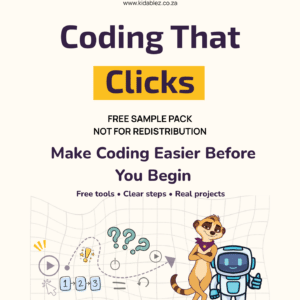
Coding That Clicks
Price range: R259.00 through R1 ,499.00
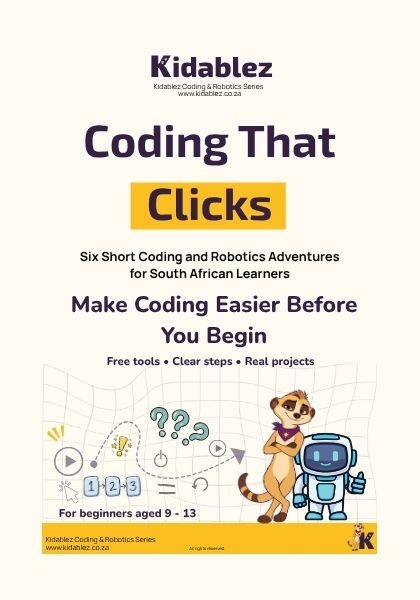
Coding does not have to begin with an expensive robot kit.
Coding That Clicks gives parents, home educators and teachers a practical way to introduce coding and robotics using free software, short projects and ordinary materials.
Created for beginners aged approximately 9–13, learners.
Choose the licence that matches how you intend to use this resource. Personal and Family licences do not permit classroom or school distribution.
Choose the licence that matches how the book will be used:
- Personal and Family: One household
- Single Classroom: One educator and up to 40 learners at a time
- School: Up to 10 educators at one school or learning centre
Description
Coding That Clicks is a practical coding and robotics workbook for beginners aged approximately 9–13. It gives parents, home educators and teachers a clear way to introduce coding without beginning with an expensive robot kit or complicated equipment.
The book uses free software, ordinary materials and manageable projects to help learners understand how coding works. Instead of only reading definitions, learners plan instructions, create animations, build a simple game, test their ideas and solve problems as they work.
No previous coding experience is required from the learner or the adult supporting them.
What learners will create
This coding and robotics workbook for beginners combines screen-free thinking activities with guided projects.
The activities introduce coding through projects that give learners something real to complete. During the book, the learner will:
- Program a person to behave like a human robot
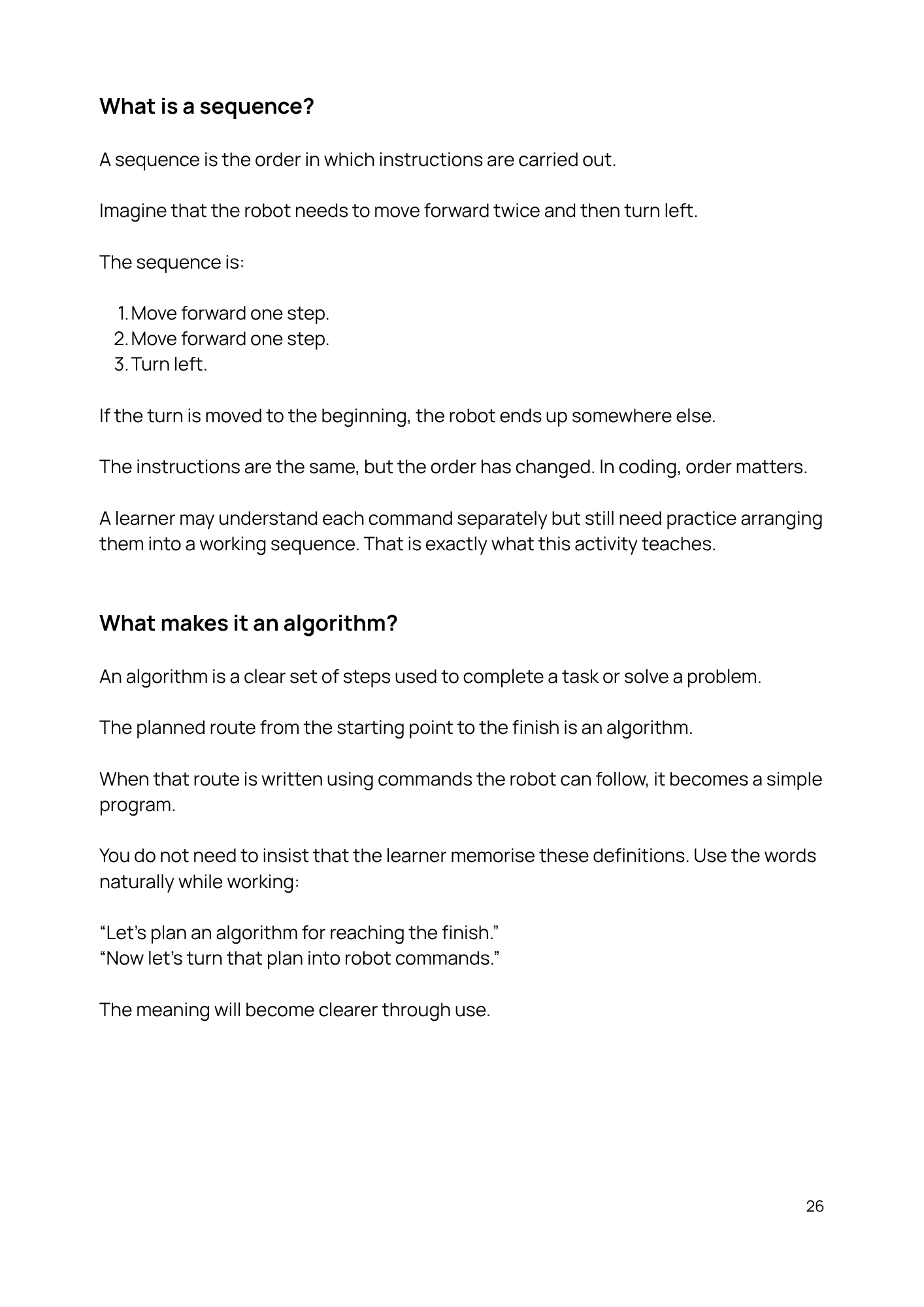
- Explore algorithms and sequencing
- Create an animation in Scratch
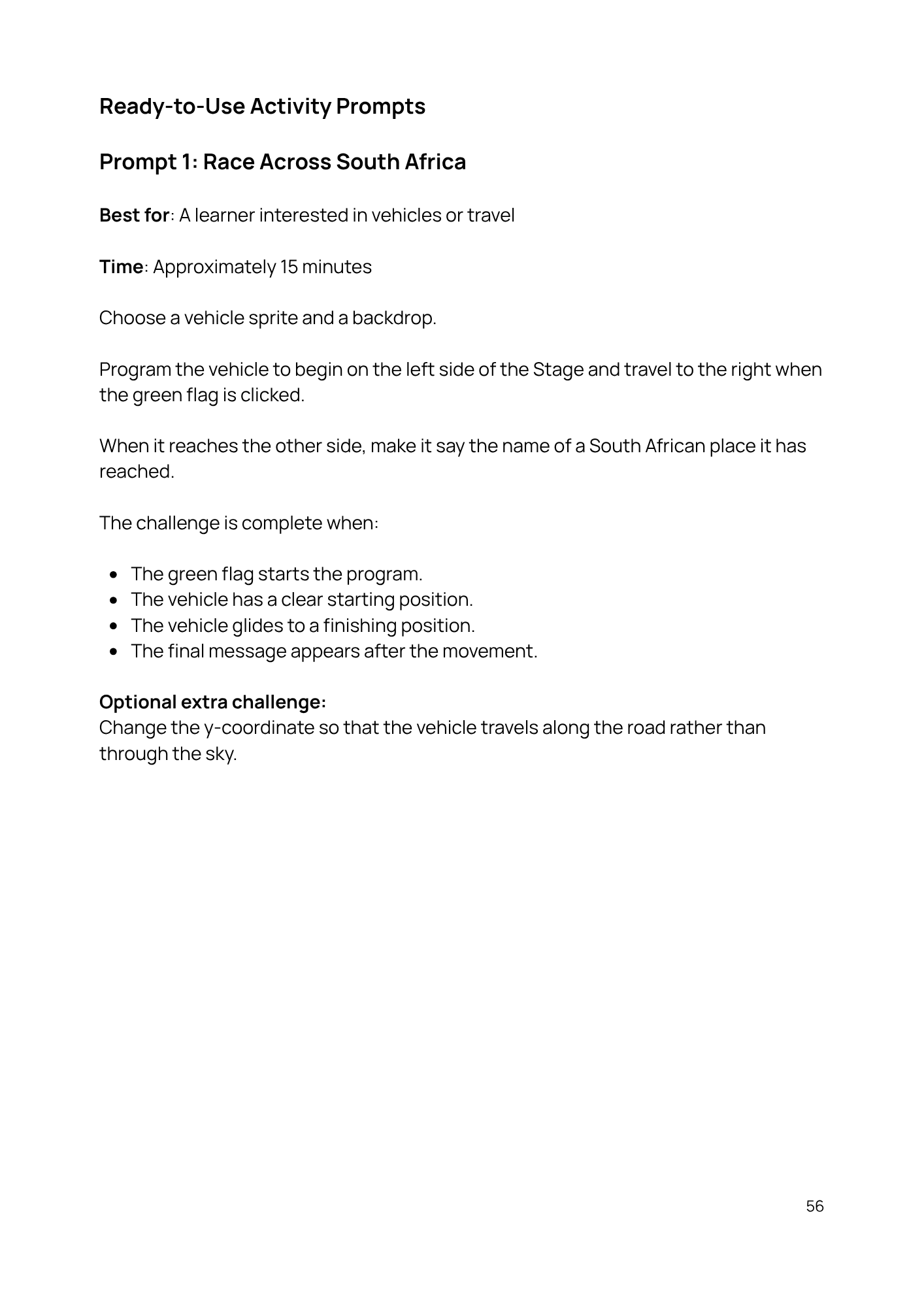
- Build a playable Scratch game
- Work with movement, timing and instructions
- Test projects and identify problems
- Practise debugging when something does not work
- Design a robot to solve a real-world problem
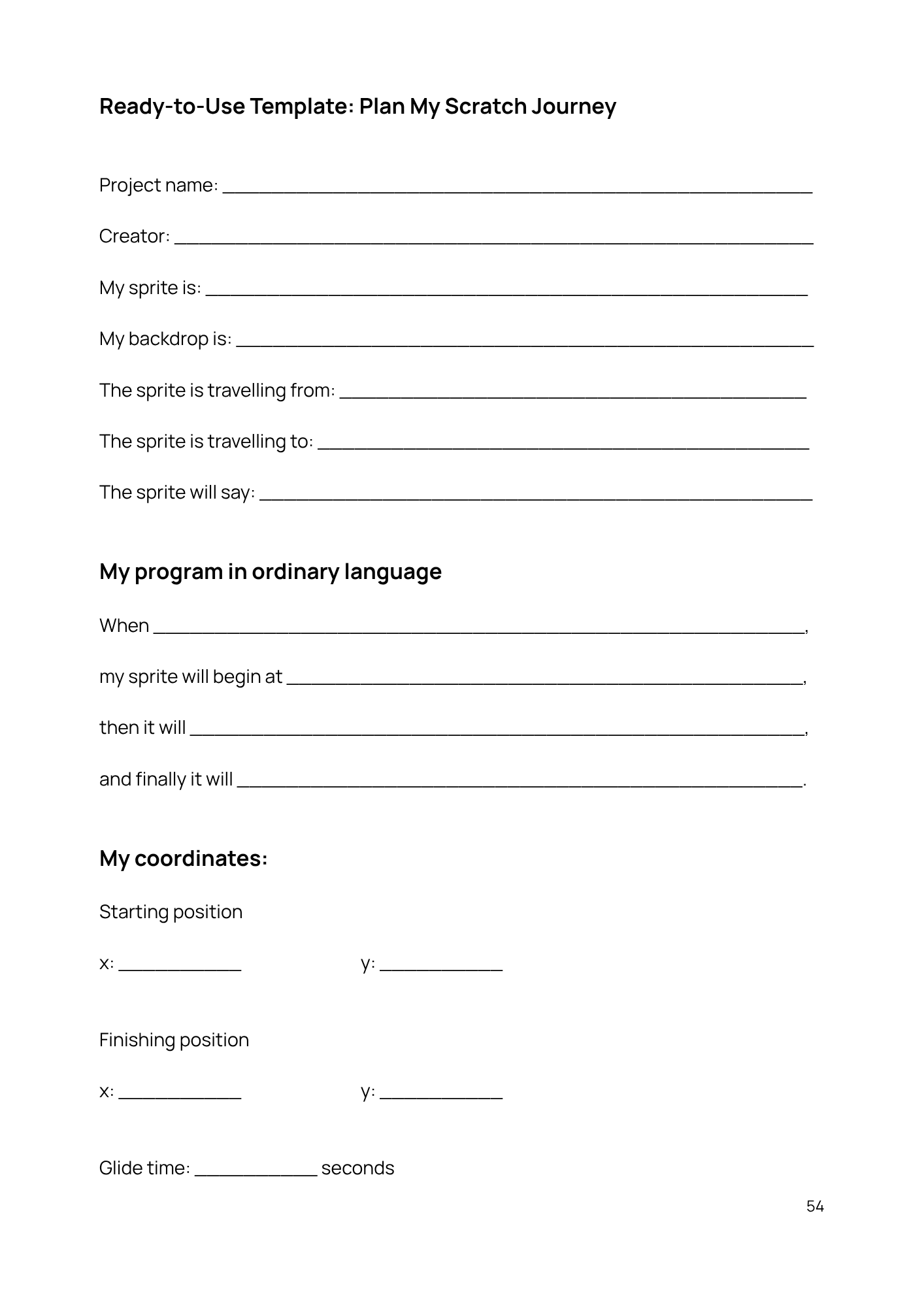
- Begin recording completed work in a coding portfolio
The projects gradually introduce new ideas without expecting the learner to understand everything immediately. Mistakes are treated as part of the process. When a sprite moves incorrectly, an instruction is missing or a project does not behave as expected, the learner is encouraged to stop, investigate and try again.
That is an important part of learning to code.
A practical introduction to coding and robotics
Coding can seem difficult when it is presented as a collection of unfamiliar terms. This book begins with actions learners already understand: giving instructions, putting steps in order, noticing patterns and working out why something went wrong.
Learners first explore how precise instructions affect an outcome. They then apply that thinking in Scratch, where blocks can be moved, changed and tested on screen.
Scratch is free to use, colourful and designed to make coding concepts visible. Learners can see the effect of each instruction, which makes abstract ideas easier to understand.
The robotics activities also show that robotics begins with identifying a problem and designing a possible solution. A learner does not need to own a physical robot before learning how sensors, instructions, movement and outputs work together.
Who this workbook is for
This coding and robotics workbook for beginners is suitable for:
- Parents introducing coding at home
- Home-education families
- Teachers looking for guided beginner activities
- Tutors and learning centres
- Learners who enjoy creating, experimenting and solving problems
- Learners who need instructions broken into clear, manageable steps
The suggested age range is approximately 9–13, but readiness matters more than age. Some younger learners may complete the projects with adult guidance, while older beginners can work more independently.
The activities introduce important concepts found in the South African DBE Coding and Robotics curriculum. The book is designed as a practical learning resource and does not replace a school’s formal curriculum, teacher or assessment programme.
What you will need
You do not need an expensive robotics kit.
For the Scratch projects, you will need:
- A computer or laptop
- Internet access to use Scratch online, or the free Scratch Desktop application
- A free Scratch account if the learner wants to save projects online
- Basic stationery for planning and written activities
- A printer if you would like to print the workbook pages
Some activities can be completed away from the computer. These screen-free tasks help learners practise sequencing, planning and problem-solving before building something digitally.
What your purchase includes
You will receive a downloadable PDF edition of Coding That Clicks. The PDF contains explanations, guided activities, planning pages, practical projects and space for learners to think through and record their work.
This is a digital product. No printed book or physical robot kit will be delivered.
The workbook may be viewed on screen or printed according to the licence selected when purchasing it.
Choose the correct licence
Please select the licence that matches how the resource will be used.
Personal and Family Licence
For use by the purchaser and children living in one household. It does not permit classroom, school or organisational use.
Single Classroom Licence
For one educator working with up to 40 learners at a time. The purchasing educator may print the required pages for their learners and use the resource during lessons. The licence may not be shared with another educator or school.
School Licence
For use by up to 10 educators at one school or learning centre. The resource may be used with the learners taught by those educators but may not be shared outside the licensed school or organisation.
Every purchase is licensed only for the use selected. The PDF may not be uploaded publicly, resold, altered, rebranded or distributed beyond the licensed household, classroom or school.
If you need a coding and robotics workbook for beginners that starts with free tools and manageable activities, Coding That Clicks provides a practical place to begin.
Free tools. Clear steps. Real projects. A practical place to begin coding.
Have a question about the workbook or which licence you need? Contact Kidablez before purchasing.
Additional information
| Licence | Personal and Family, Single Classroom, School |
|---|---|
| Phase | Intermediate Phase (Gr 4-6), Senior Phase (Gr 7-9) |
| Resource Type | Practical |
Only logged in customers who have purchased this product may leave a review.
Reviews
There are no reviews yet.